
Getting started
How do I sign out of the Agent Portal?
Sign out from the menu under your name, at the foot of the sidebar. It's worth doing on a shared phone or computer, so the next person can't open your leads.
-
On a phone, tap the menu button at the top left to open the sidebar.
-
Tap your photo and name at the bottom of the sidebar.
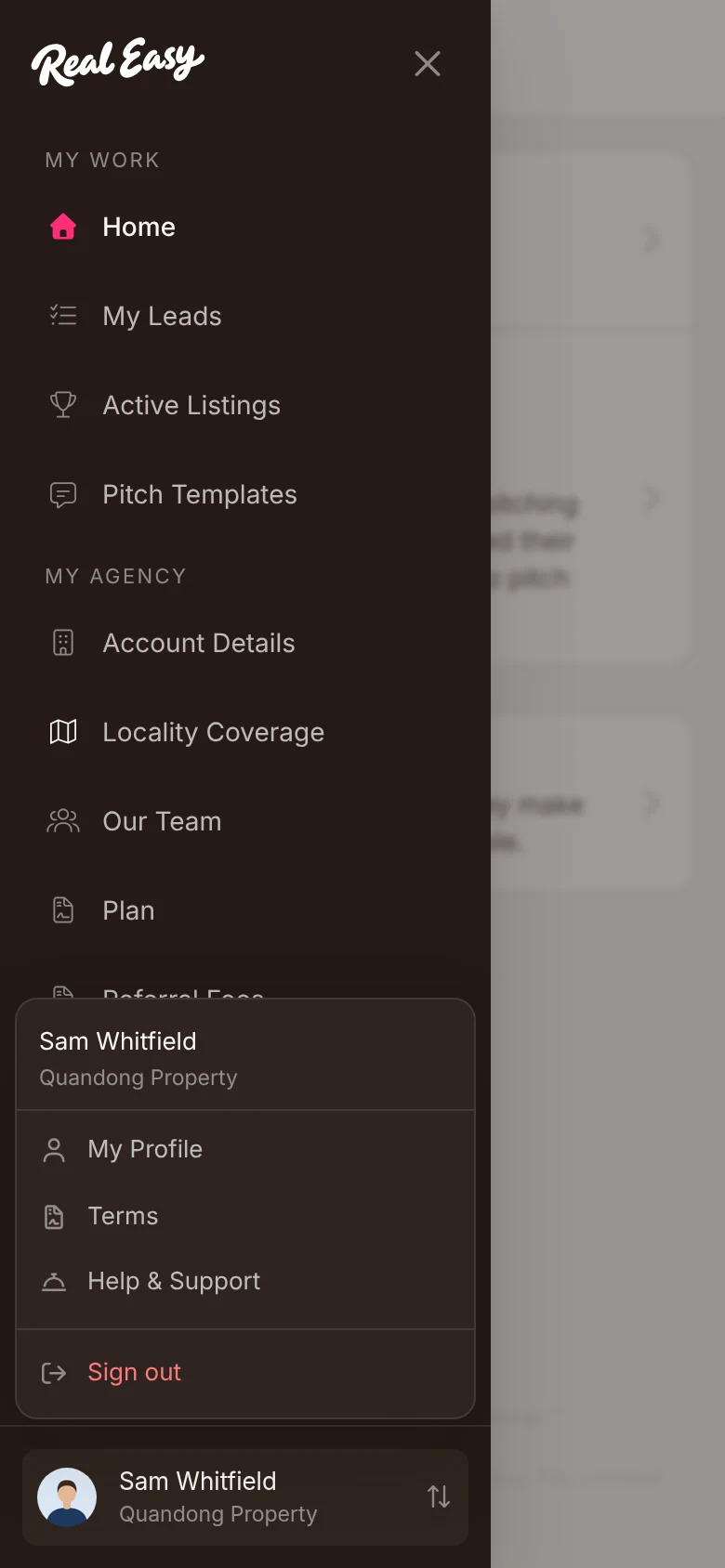
The menu that opens from your name, with Sign out at the bottom. -
Tap Sign out.
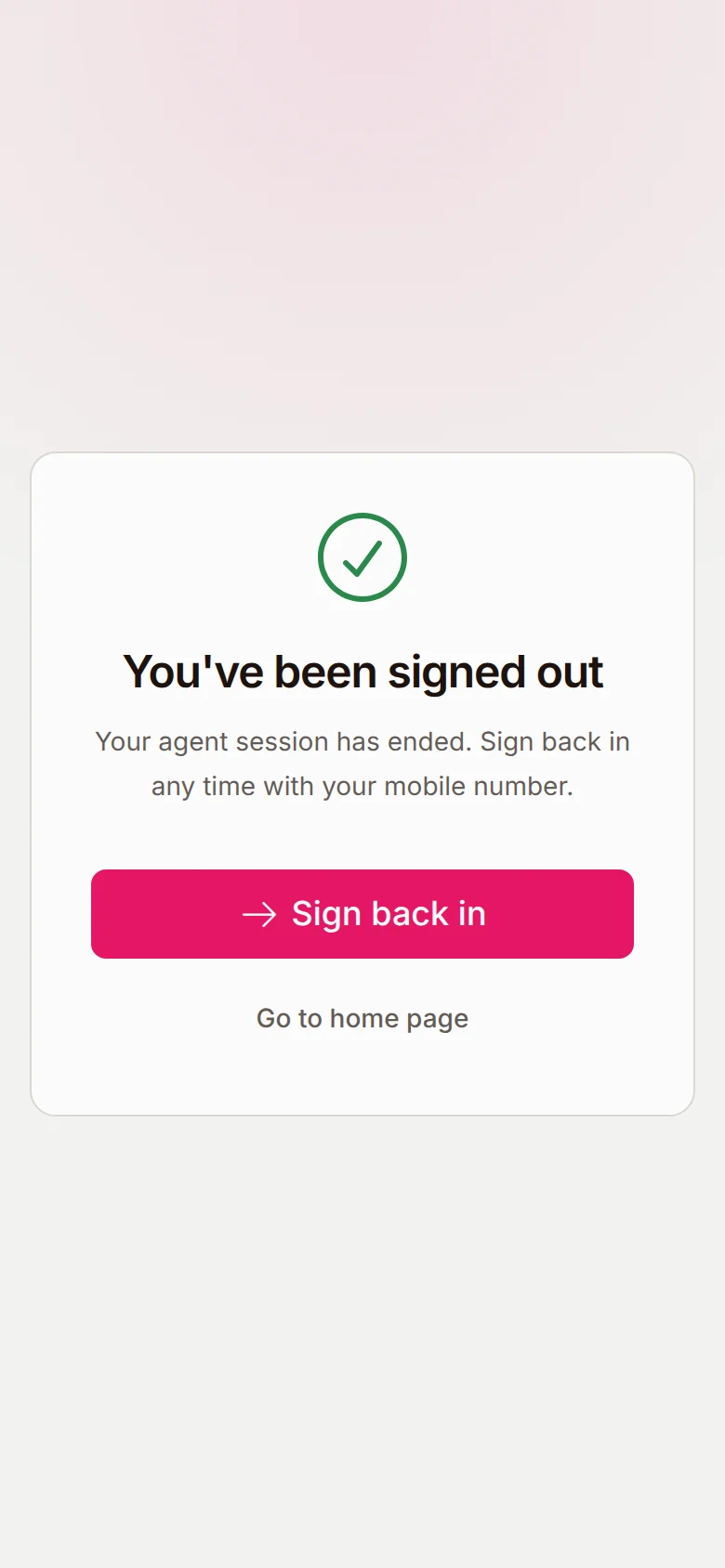
You've been signed out, with Sign back in to start again.


What happens next
Your session on that phone or computer ends straight away. To get back in, tap Sign back in and sign in with your mobile and a fresh code, as in Sign in. Nothing in your leads or pitches changes when you sign out.
Good to know
Does signing out on my phone sign me out on my computer?
No. Signing out only ends your session in the browser you're using. Sign out in each one you've used.
Is signing out the same as switching agency?
No. If you work under more than one agency, Switch agency in the same menu moves you between them, without signing out.
Can the next person on a shared phone get back in as me?
Not without your mobile. Signing back in needs a fresh 6-digit code, and we only text it to your number.