
Getting started
How do I find my property and get started?
Getting started on G'day takes one search: find your address, check the map pin sits on your place, and you're into the property quiz. You don't need an account to start, and no agent will call you.
-
Type your address into Enter your address on the G'day home page.
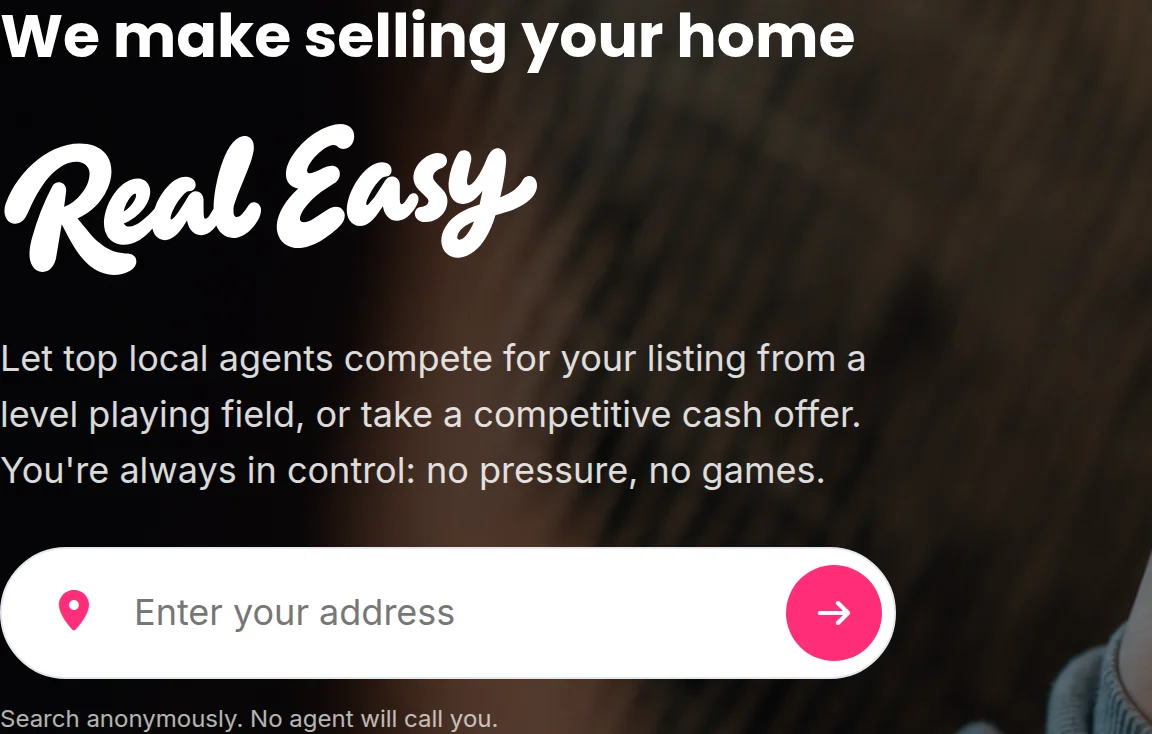
The G'day home page, with the Enter your address search box. -
Choose your address from the suggestions that appear.
-
Check the address and the map pin on Is this your property?.
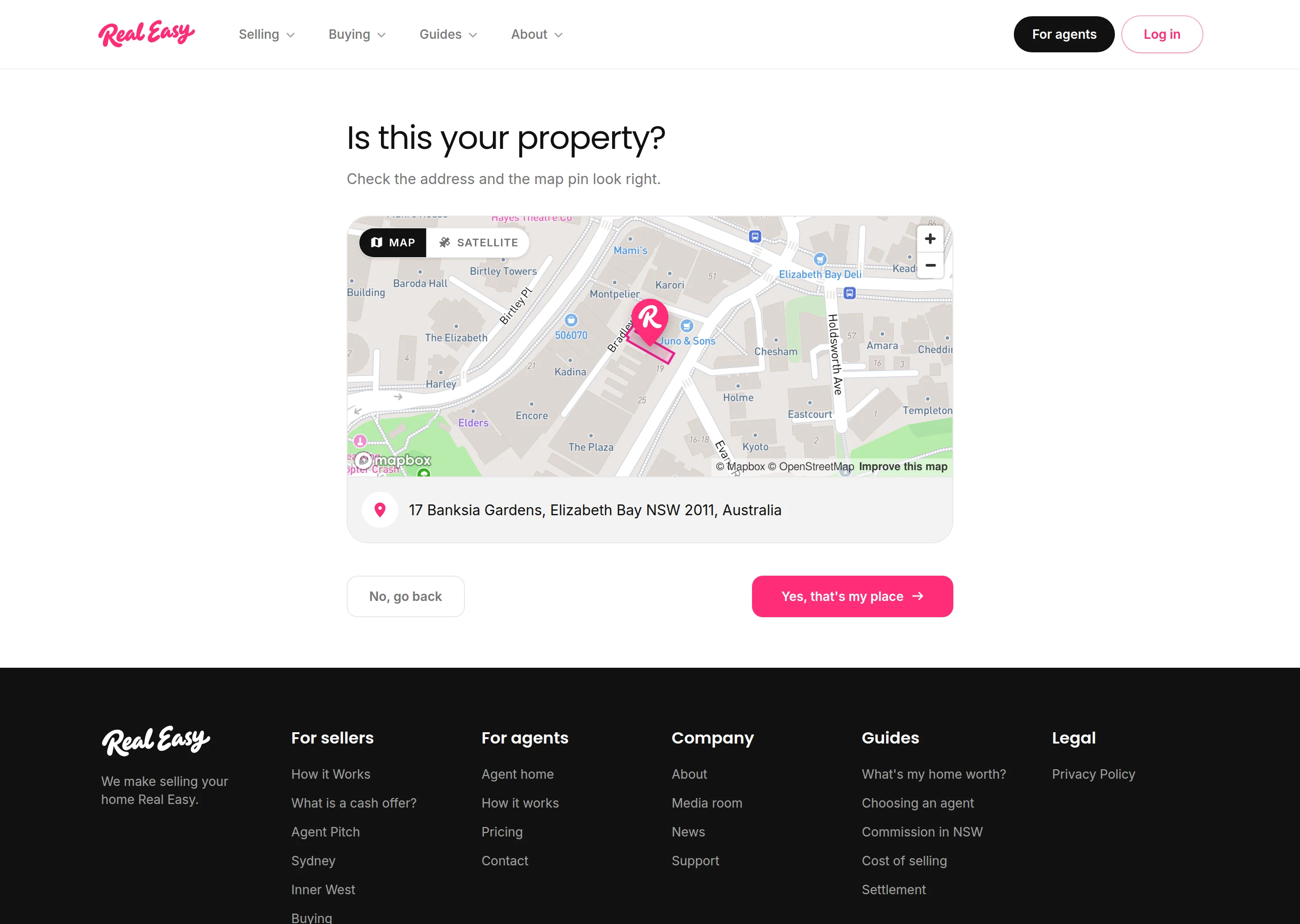
Is this your property?, with the pin on your place and your address under the map. -
Select Yes, that's my place to start the property quiz.
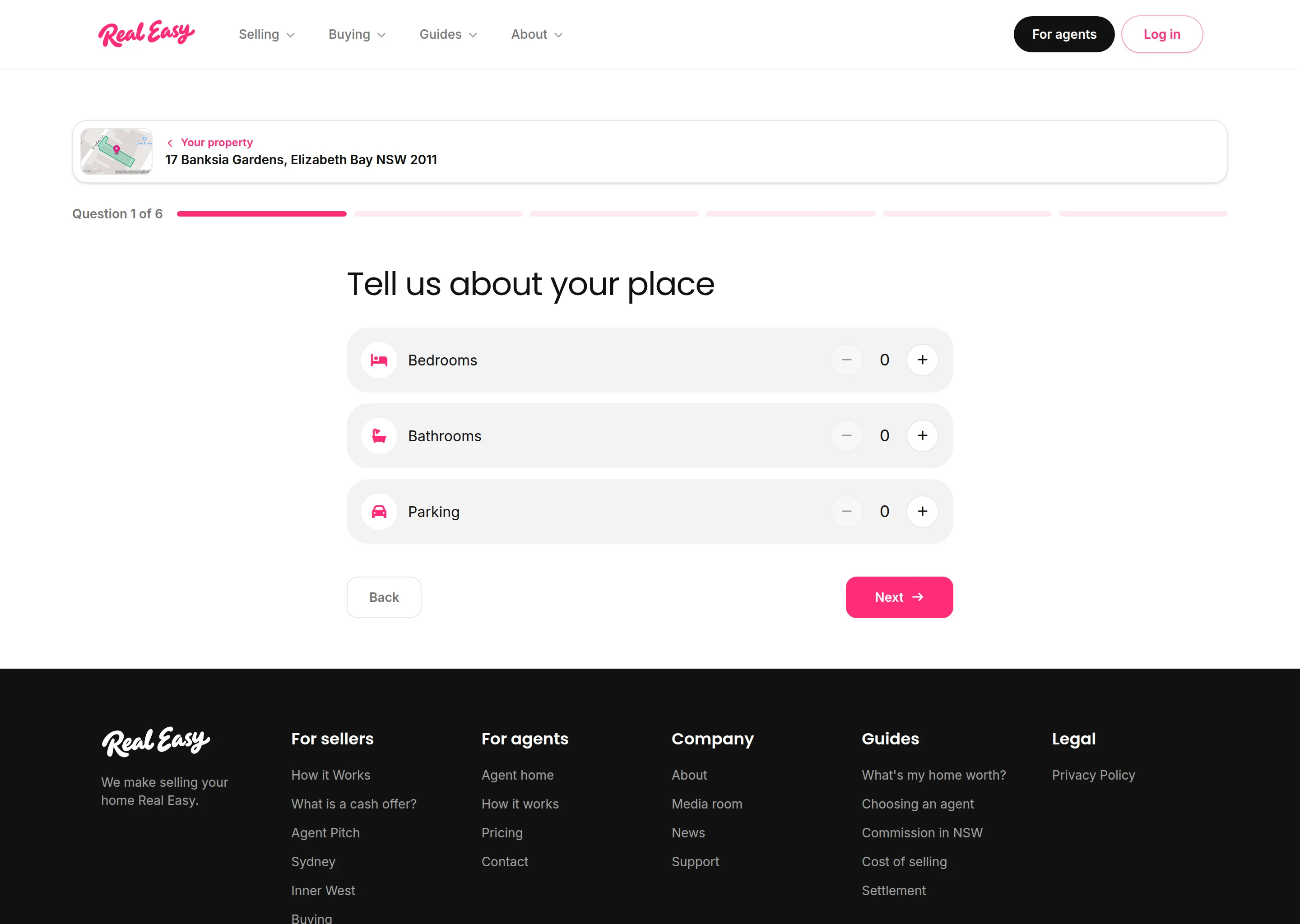
The property quiz, open at Question 1 of 6, Tell us about your place.


What happens next
The property quiz asks a few quick questions about your place, then how you'd like to sell. Nothing goes to any agent while you answer. Agents only hear about your property if you choose an Agent Pitch and submit at the end.
Good to know
What if the pin or the address is wrong?
Select No, go back on Is this your property?, then Remove. That removes the address and takes you back to search, so you can pick the right suggestion.
What if my address doesn't come up?
Suggestions start after the first few letters. If you see No matches, check the spelling of your street and suburb. Still not there? Email us at [email protected] and we'll sort it out.
What if you're not in my area yet?
After Yes, that's my place, you'll see that we're not in your area yet instead of the quiz. You can register interest there, and we'll let you know when an Agent Pitch reaches your address.